10 AI Image Prompts That Make Professional Marketing Assets
Ten copy-pasteable prompt templates for the marketing images you actually need — hero banners, product shots, ad backgrounds — plus the one honest caveat: don't trust the AI to render your headline text.
Most "AI prompts for marketing" lists give you vague adjectives — "professional," "engaging," "high quality" — that don't actually tell the model anything useful. Below are 10 templates built around real marketing needs, each with a placeholder structure you fill in and reuse. Swap the bracketed parts for your own subject and palette.
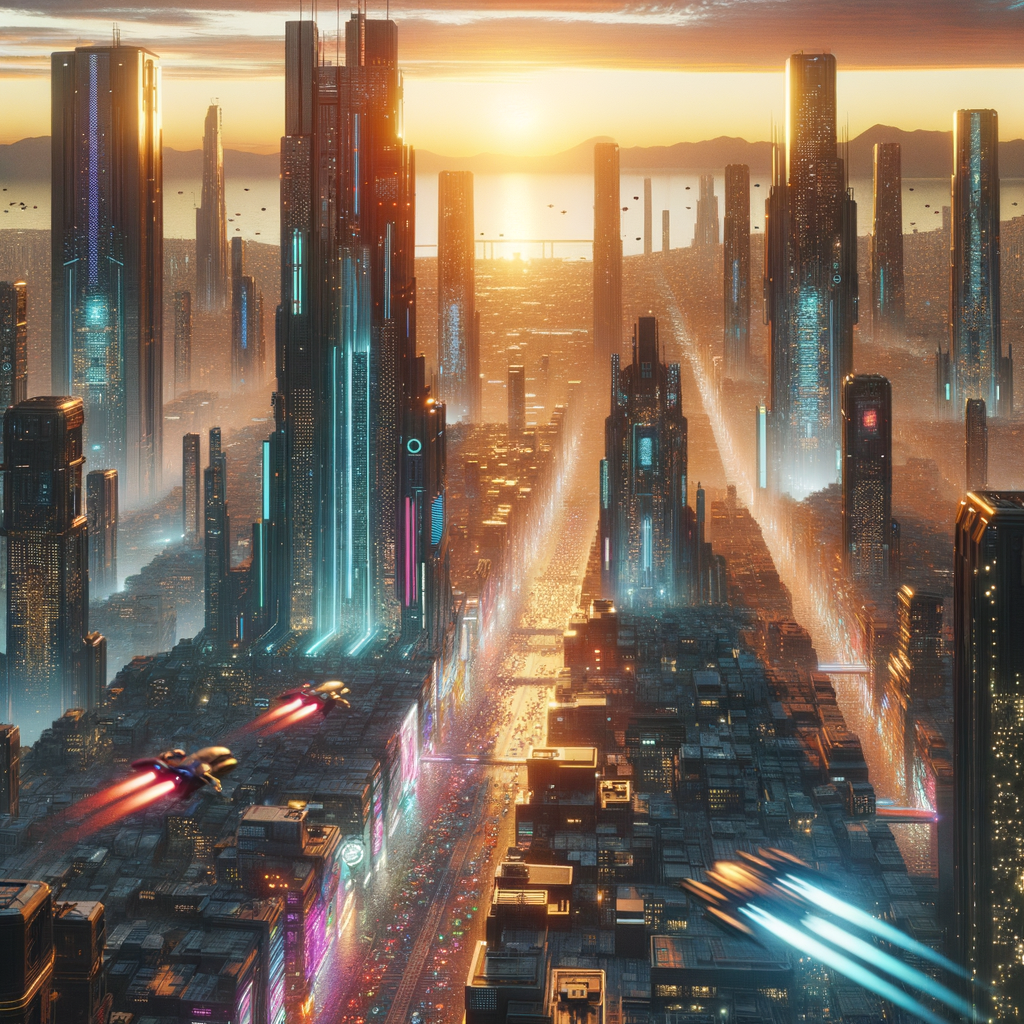
1. Hero banner
"Website hero banner, [SUBJECT OR ABSTRACT CONCEPT], [COLOR PALETTE], clean composition, copy space on the [left/right] third for a headline"
2. Product hero shot
"[PRODUCT] on a [SURFACE, e.g. marble slab or oak table], studio lighting, soft shadow, shallow depth of field, plain [COLOR] background"
3. Social ad background
"Abstract background for a [PLATFORM] ad, [COLOR PALETTE], bold gradient, generous negative space for overlaid text, no existing text"
4. Email header
"Wide banner illustration, [BRAND COLORS], flat modern style, simple centered graphic, plenty of empty space above and below"
5. Blog post header
"[TOPIC-RELEVANT SCENE], editorial illustration style, muted palette, wide aspect ratio, uncluttered composition"
6. Testimonial card backdrop
"Soft abstract background, [BRAND COLOR] gradient, subtle texture, blurred, low contrast so text stays readable on top"
7. Feature icon set
"Simple flat icon of [CONCEPT, e.g. a shield, a clock, a chat bubble], single-color line art, plain background, consistent line weight"
8. Event promo graphic
"Promotional graphic for [EVENT TYPE], [COLOR PALETTE], bold and energetic, clear open area at the top for event details"
9. App-store screenshot backdrop
"Phone mockup background, [BRAND COLORS], gradient, minimal, space around the edges for a device frame to be added later"
10. Ad creative
"[PRODUCT OR SUBJECT], attention-grabbing composition, [COLOR PALETTE], high contrast, clean edges suitable for cropping into multiple ad sizes"
Where this falls short
None of these prompts ask the model to render your actual headline, logo, or price — on purpose. Text rendering in image generators is still unreliable: letters get garbled, spacing goes wrong, and even when it works once, it doesn't reproduce reliably across a batch. Generate the background or scene with the prompt, then add your real copy afterward in Canva, Figma, or whatever you already use for layout. Treat the AI output as the backdrop, not the finished asset — that split is what actually makes this workflow fast instead of a fight with garbled text every third generation.
For prompts tuned specifically to Instagram and other social formats, see social media prompts. And if what you actually need is product photography rather than backgrounds, product mockups covers that.