How to Create Product Mockups with AI
AI is good at one specific job in product photography: building the scene around your product, not the product itself. Here's how I use it that way.
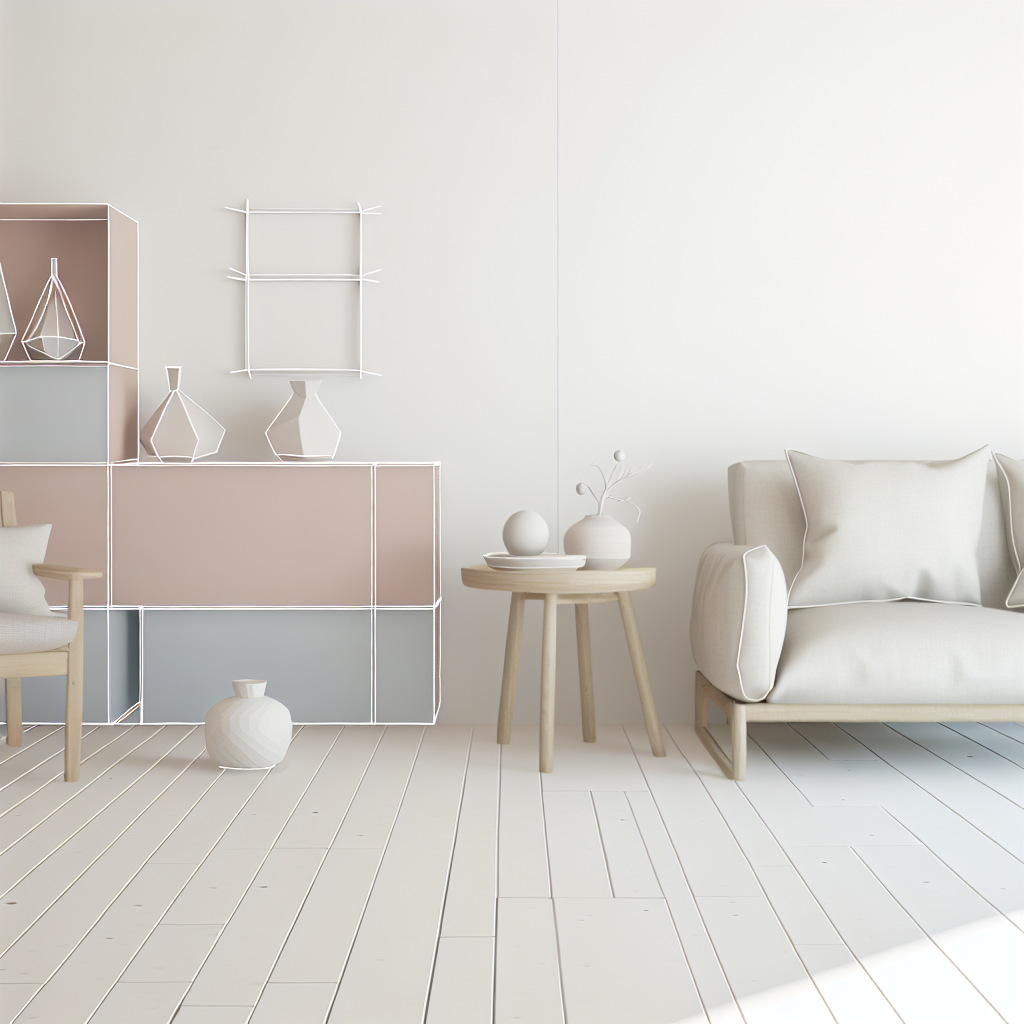
If you sell anything online, you've probably run into the same wall I have: a real product photo shoot costs real money, and stock backgrounds make everything look like it was pulled from the same template everyone else is using. What AI image generation is actually good for here isn't rendering your product — it's building the scene around it. Once I stopped asking it to draw my product and started asking it to build the world my product lives in, the results got a lot more useful.
What actually works
The scenes that come out looking convincing share a few things in common. Rather than one vague sentence, I describe four things every time, in this order:
1. The product and its material — say what it's made of, not just what it is. "A ceramic mug" renders differently than "a mug."
2. The setting — where is this sitting, and what's around it? A kitchen counter, a studio backdrop, an outdoor picnic table.
3. The lighting — "soft morning light," "golden hour," "diffused studio light from the left." Lighting does more to sell realism than almost any other word choice.
4. The camera angle and mood — "shallow depth of field," "eye-level shot," "overhead flat lay." This tells the model how to frame it like a photo instead of an illustration.
A prompt built this way reads like: minimalist product photo of a ceramic mug on an oak table, soft morning light, shallow depth of field. That's it — no need for extra adjectives stacked on top. Specific beats flowery every time.
For ecommerce, I've found it's worth generating three or four variations of the same setup — same product description, different lighting or angle — and picking the one that actually looks like a photo instead of a render. Some seeds just land better than others, and there's no way to know which until you look.
Where it struggles / what to watch for
This is the part most guides skip, so I'll be direct about it. AI image generation is not reliable for:
- Exact product fidelity. If you need the mockup to show your actual product — the precise shape, the exact color code, the specific hardware — the model will approximate it, not reproduce it. It's generating a plausible mug, not your mug.
- Real logos and brand marks. Don't expect your logo to render correctly. It usually won't, and even when it's close, it's not something you can use as-is.
- Legible text on packaging. Small text, labels, and package copy tend to come out garbled or nonsensical. If the mockup needs readable text, plan to add that in post-production.
Because of that, I treat these images as one of two things: a lifestyle background I later composite my real product photo into, or a concept mockup I show a client or use in a moodboard before committing to a real photo shoot. I wouldn't ship one of these as a final packshot for a product listing where customers need to see the actual item accurately.
If you're selling on a marketplace like Etsy, the considerations are a little different — worth reading through AI images for Etsy sellers if that's your situation. And if you want more prompt patterns beyond product scenes, I've got a broader set in marketing asset prompts.