How to Make Tileable Game Backgrounds with AI
I'll say the quiet part up front: AI does not reliably generate a background that tiles edge-to-edge with no seam. Here's what it's actually good for, and the offset-and-fix step that makes it usable anyway.
Every tutorial on this topic promises "perfect seamless backgrounds every time." I haven't found that to be true, and if you've tried it yourself you've probably noticed the same thing — the left and right edges of a generated "tileable" image usually don't line up. What the generator is actually good at is producing one strong, consistent-style scene. Turning that into something that truly tiles is a separate, manual step. Here's how I do it.
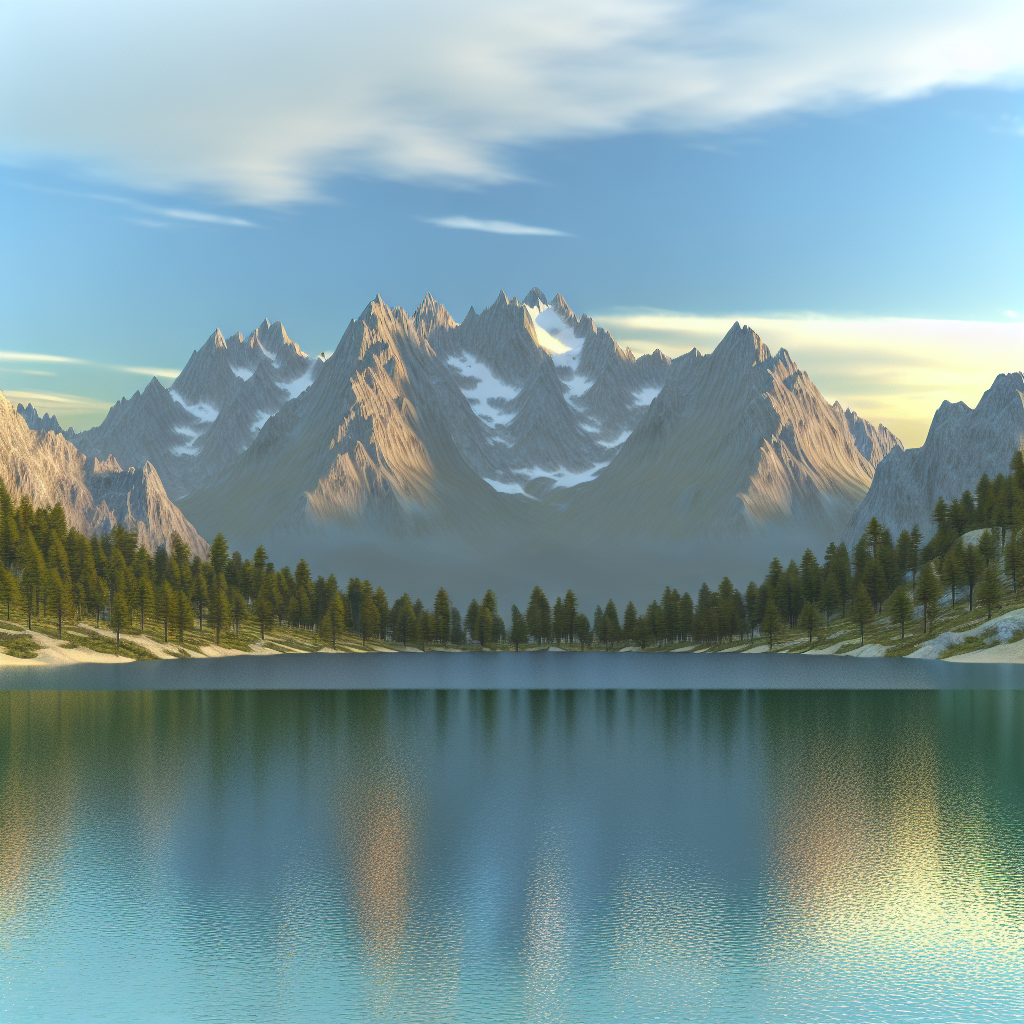
Prompt for a strong single scene first
Don't chase "seamless" in the prompt as if the word is a switch that turns it on. Instead, focus on getting a scene with flat, even lighting and a clear camera angle, since both of those make the tiling fix easier later:
side-scrolling game background, forest at dusk, layered parallax, flat even lighting, consistent art style, wide shot
Fixed camera/perspective words matter here — "top-down," "side-scrolling," "front-on" — because a background shot at a consistent, flat angle is much easier to offset and patch than one with strong perspective or a single dramatic light source, which will create an obvious mismatch the instant you try to repeat it.
Keep a fixed palette across a set
If you need multiple background elements that have to feel like the same world (sky layer, mid-ground trees, foreground rocks), name the palette explicitly in every prompt rather than relying on the model to remember it:
- forest at dusk, palette of muted teal, burnt orange, and charcoal, layered parallax, flat lighting
- distant mountain silhouette, palette of muted teal, burnt orange, and charcoal, flat lighting, minimal detail
- foreground rock formation, palette of muted teal, burnt orange, and charcoal, flat lighting
Repeating the exact palette phrase in each prompt is what keeps the layers from looking like they came from three different games.
Making it actually tile
Once you have a scene you like, here's the manual fix for turning it into a true tile:
1. Open it in Photoshop, GIMP, or Aseprite.
2. Apply an offset filter set to 50% width (and height, if you need vertical tiling too). In Photoshop: Filter > Other > Offset. In GIMP: Filters > Map > Offset.
3. This wraps the edges into the middle of the canvas, so the seam that used to be hidden at the border is now sitting in plain view where you can actually work on it.
4. Use the clone stamp or healing brush to blend across that visible seam.
5. Undo the offset (or reapply it) to confirm the edges now match.
This works best on textures and patterns with irregular, organic detail — foliage, rock, clouds. It's much harder on anything with a strong repeating structure the eye will catch on, like a brick pattern or evenly spaced windows, because a slight misalignment there is obvious in a way a blurry tree line isn't.
The parallax alternative
For side-scrolling games specifically, you often don't need a true tile at all. A single wide background image used as one parallax layer — scrolling slower than the foreground, not repeating — sidesteps the tiling problem completely. Generate at the widest aspect ratio your tool supports, and treat the edges as "will be cropped or faded out," not "must match."
Where it still struggles
- No AI image generator I've used produces edge-to-edge seamless tiling reliably out of the box. Budget the offset-and-fix pass into your workflow instead of hoping to skip it.
- Strong directional lighting or a single dramatic focal point actively fights tiling — the more "flat and even" the scene, the easier the fix.
- Keeping multiple background layers visually related (same palette, same style) takes deliberate repetition of the same wording across prompts, not a single "match my style" instruction, since there is no session memory between generations.
- For matching in-game surface textures — floors, walls — the same tiling caveat applies with an extra wrinkle: see AI textures for Unity and Godot for what you're missing there (hint: no normal maps). And if your background needs a consistent character standing in front of it, the same "lock the description, vary one thing" approach from consistent character style sheets applies.